# Snowline
### Snowline layer 
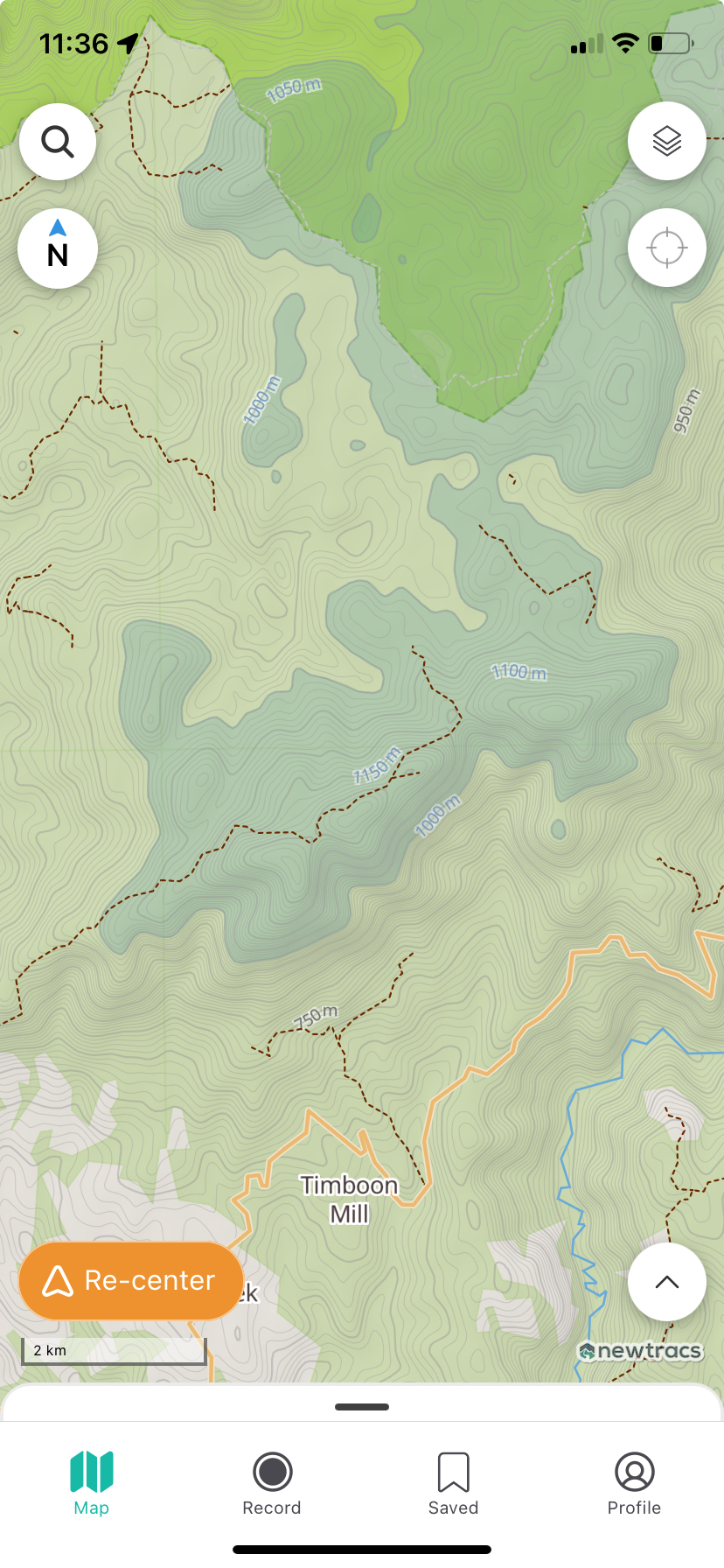
The Snowline Layer helps you plan safer trips by showing you where snow is likely to be on the map. When enabled, it displays the **all areas above 1000m elevation**.
* If you’re heading into alpine or high-altitude areas, the snowline layer lets you see which tracks may be snow-covered, so you can prepare accordingly or choose alternate routes.
* Simply toggle the Snowline Layer from the map filters menu. Trails above the snowline will be shaded, giving you a clear picture of where conditions might get more challenging.
{% embed url="" %}
{% hint style="info" %}
**Tip: Snowlines shift with the season — always double-check local conditions before heading out.**
{% endhint %}